
A percentage calculator for a test is a free online tool used to determine your score as a percentage. By inputting the total number of questions on the exam and the number you answered incorrectly, the calculator instantly computes your correct answer rate and overall grade. Exams and assignments are a big part of school. […]

Convert Radians to Degrees Calculator | Free & Instant Tool
To convert radians to degrees, you multiply the radian value by the conversion factor of 180/π. For example, to convert π/2 radians to degrees, you would calculate (π/2) * (180/π), which equals 90 degrees. Our free calculator automates this process for instant and accurate results. Working with angles in fields like advanced mathematics, physics, or […]

Slope Percentage Calculator: Free Online Tool
A slope percentage calculator determines the grade of a slope using the formula: Slope Percentage = (Rise / Run) × 100. To use it, you enter the vertical distance (the rise) and the horizontal distance (the run) of an incline to instantly calculate its steepness as a percentage. Whether you’re tackling a DIY landscaping project, […]

How to Use the Desmos 4 Function Calculator: A Step-by-Step Guide
The Desmos 4 function calculator is a simple, free online tool designed for performing the four basic mathematical operations: addition, subtraction, multiplication, and division. It offers a clean, user-friendly interface ideal for students and anyone needing to do quick calculations without the complexity of a scientific or graphing calculator. Do you need help with basic […]

Free Matrix Diagonalization Calculator (With Steps)
A matrix diagonalization calculator is an online tool designed to find a diagonal matrix (D) and an invertible matrix (P) for a given square matrix (A). It automates the complex process of finding eigenvalues and eigenvectors to solve the equation A = PDP⁻¹, providing users with a quick and accurate solution with detailed steps. Matrix […]

Free Online Amortization Calculator: Calculate Loan & Mortgage Payments
An online amortization calculator is a free digital tool that helps you determine the periodic payment amount due on a loan, such as a mortgage or auto loan. It generates a detailed amortization schedule showing how much of each payment goes towards principal and interest over the life of the loan, helping you visualize your […]

STAAR Desmos Calculator: Your Ultimate Guide for the Texas Test
The STAAR Desmos calculator is the official online graphing calculator tool integrated into the secure testing platform for students taking certain Texas STAAR assessments. It is a specific, locked-down version of the popular Desmos calculator, ensuring students have access to powerful graphing tools while maintaining test integrity. To succeed on the Texas STAAR test, you […]
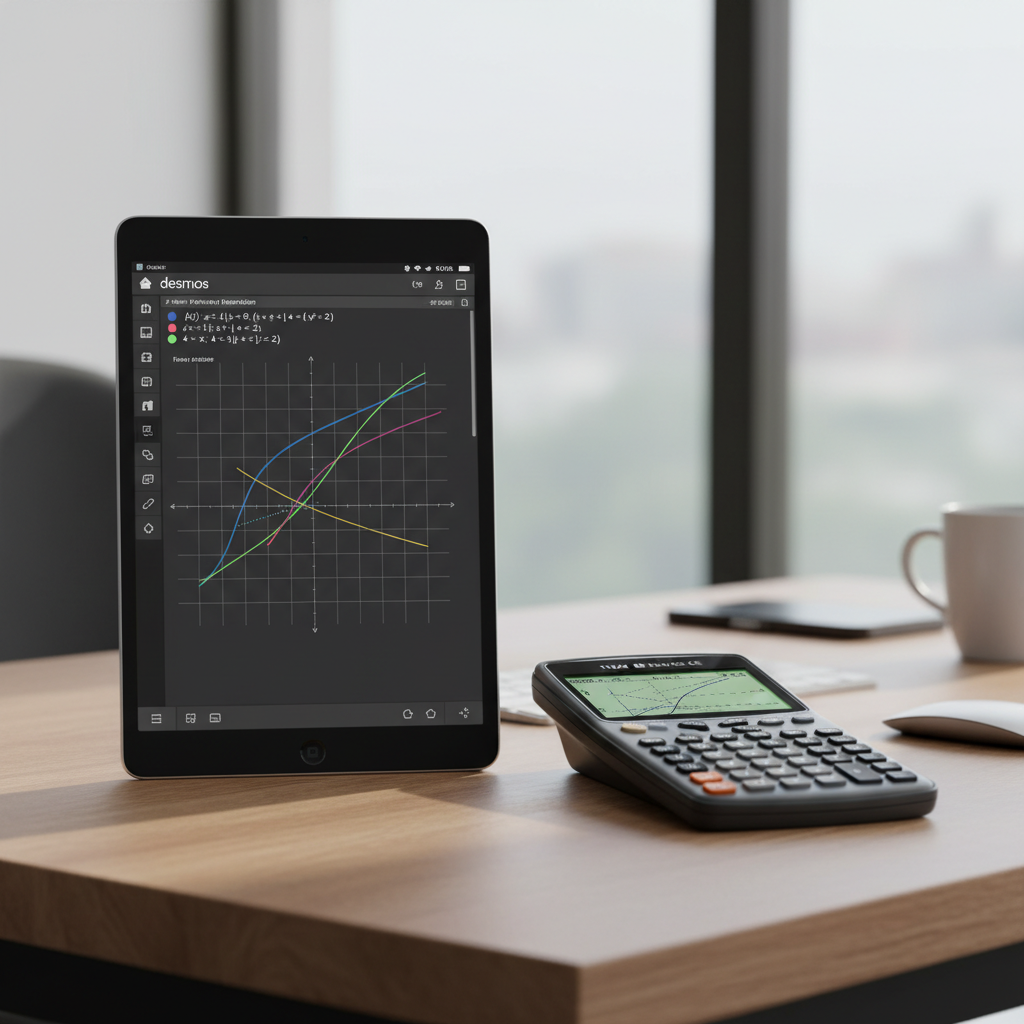
Graphing Desmos Piecewise Functions vs. Other Calculators: A Full Comparison
Yes, you can easily create Desmos piecewise functions using curly braces `{}` to define the domain for each piece. The syntax is typically `y = {condition: equation}`. This intuitive method allows you to graph complex functions with multiple rules on a single coordinate plane. Piecewise functions can be challenging because they follow different rules for […]

Free Win Percentage Calculator (With Ties) | eLearnSmart
A win percentage calculator is a tool that determines the winning rate of a team or individual. To calculate it, you divide the total number of wins by the total number of games played. For calculations that include ties, a common method is to count each tie as half a win. Win percentage is a […]
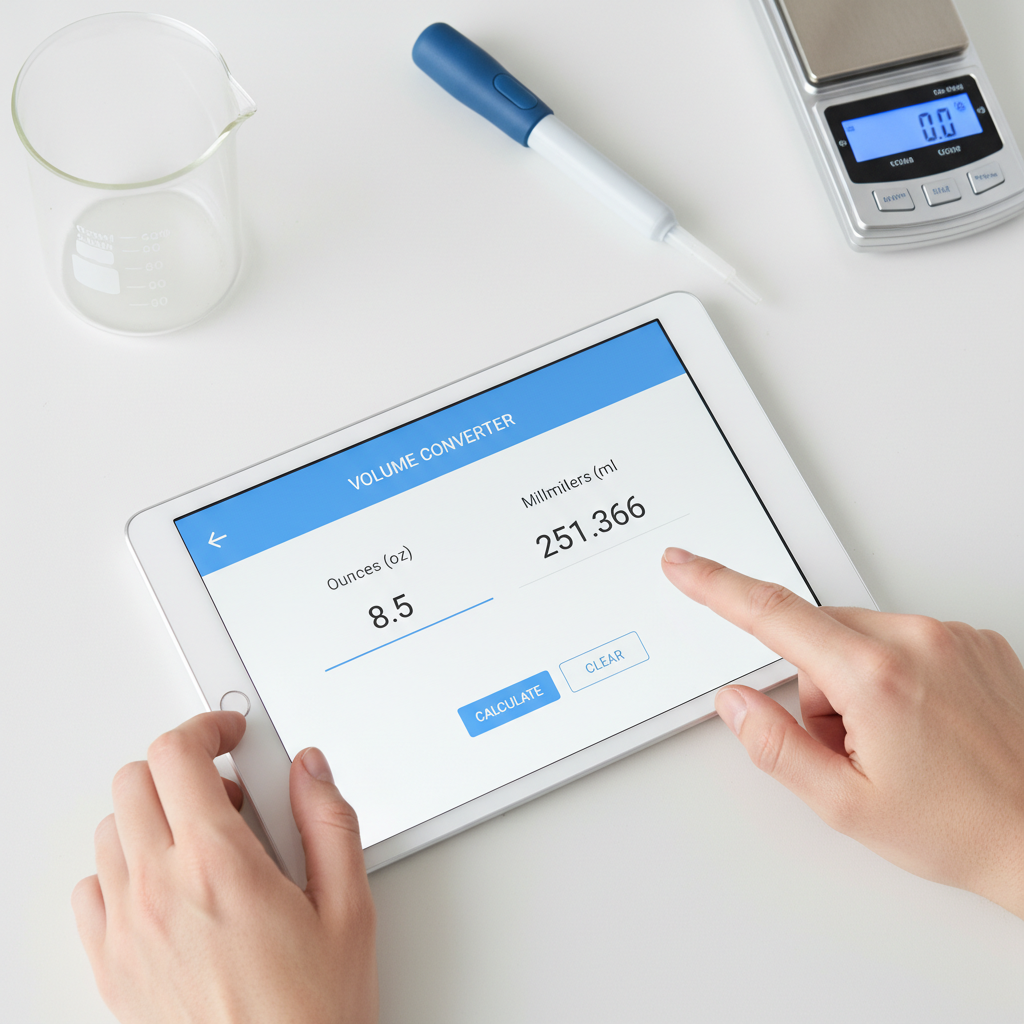
Ounces to Milliliters (oz to ml) Converter | Free Online Calculator & Specs
To convert US fluid ounces (oz) to milliliters (ml), multiply the volume in ounces by 29.5735. For example, 1 US fluid ounce is equal to 29.5735 ml. This free calculator provides instant conversions for any value you enter. Correctly converting liquid volumes is a common yet critical task. You might need it for measuring recipe […]